Per iniziare a utilizzare reCAPTCHA, è necessario registrarsi per ottenere una coppia di chiavi API per il proprio sito. La coppia di chiavi è composta da una chiave del sito e da una chiave segreta. La chiave del sito viene utilizzata per richiamare il servizio reCAPTCHA sul proprio sito o applicazione mobile. La chiave segreta autorizza la comunicazione tra il backend dell'applicazione e il server reCAPTCHA per verificare la risposta dell'utente. La chiave segreta deve essere conservata in un luogo sicuro per motivi di sicurezza.

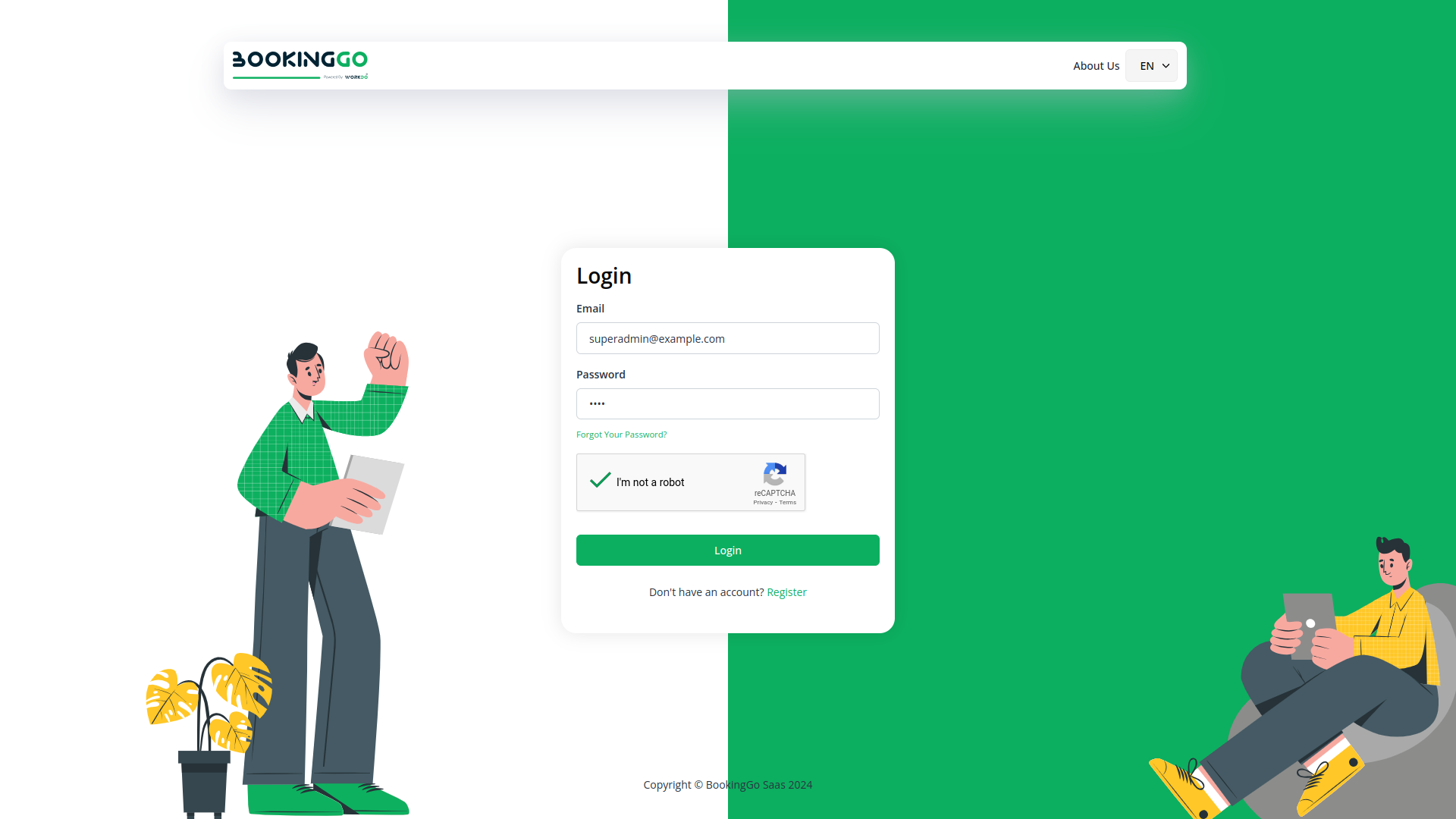
Google Captcha, or reCAPTCHA, is a security tool that prevents automated bots from spamming websites. It presents challenges to users, ensuring they are human and not malicious bots. This helps protect online forms and enhance overall website security.
CAPTCHA stands for Completely Automated Public Turing Test to tell Computers and Humans Apart. CAPTCHA is essentially a simple test that verifies that human website users are not malicious bots intent on enacting fraud and abuse on a site. Google has its own version of CAPTCHA, which is called reCAPTCHA. reCAPTCHA is a free service that uses an advanced risk analysis engine and adaptive CAPTCHAs to protect websites from abusive automated software.

Hackers, bad bots, and malicious software can wreak havoc on websites that don't have the proper protection — like reCAPTCHA — in place. To outsmart bad bots, you need the right tools working for your website. That's where reCAPTCHA comes in. Let's dive into how to set it up on your Morweb-powered site.
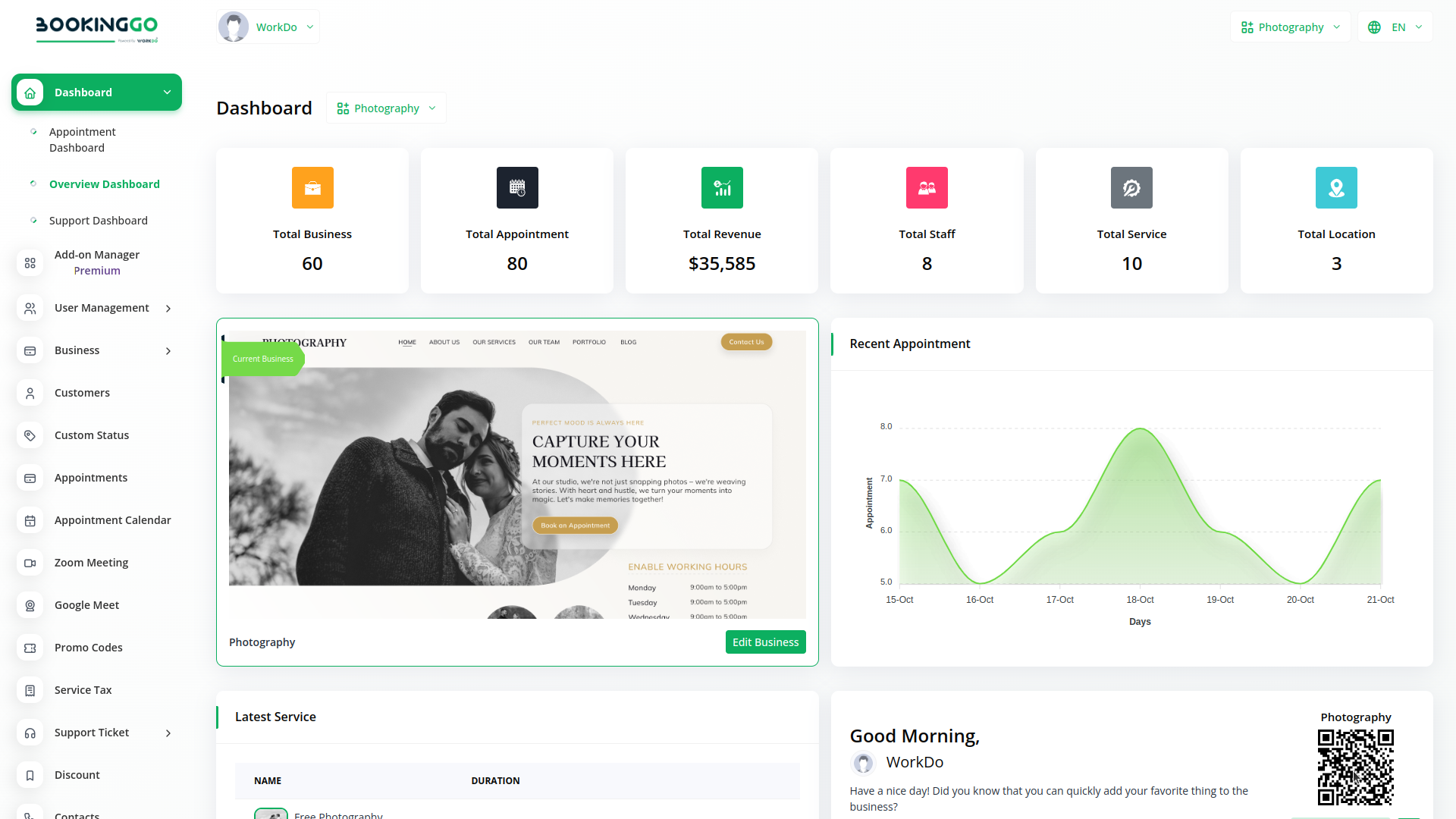
With BookingGo, you can conveniently manage all your business functions from a single location.
Access over Premium Add-ons for Stripe , Paypal , Google Recaptcha, and more, all in one place!
With BookingGo, you can conveniently manage all your business functions from a single location.
